When an Axon Agent Should Stop and Ask a Human
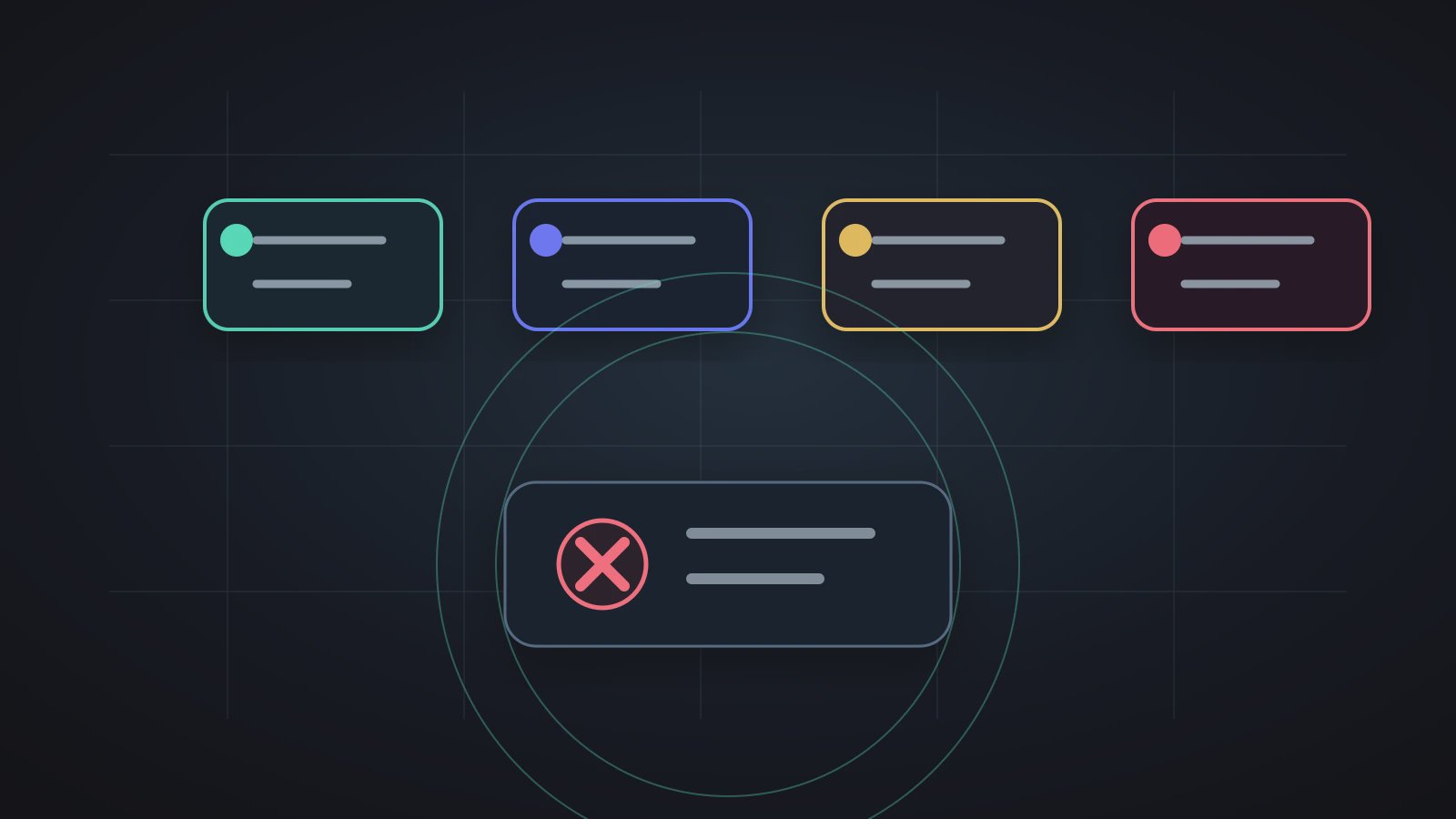
Agent exception handling is the product mechanism that tells an AI digital worker whether to continue or stop. When sources conflict, ownership is missing, an action is irreversible, permission is unclear, or uncertainty repeats, an Axon Agent should hand the task back to a human instead of pretending confidence. The operational pain point is repetitive manual cleanup after an error-prone automation keeps going. Many failures do not happen because the model cannot write. They happen because the system never designed a pause point.
The NIST AI Risk Management Framework frames AI risk around governance and manageability. The OWASP Top 10 for Large Language Model Applications also points to application-layer concerns such as prompt injection, sensitive information, and excessive agency. For Axon, Trust Mode is not a decorative safety label. It is the user-facing surface of Agent exception handling: low-risk steps can continue; uncertain or risky steps should stop.
This article treats exceptions as part of work, not as a failure screen. Teams routinely deal with conflicting documents, missing owners, stale files, and unclear customer language. A better product does not hide those situations. It makes the Agent stop at the right place and explain why.
The Failure Is Blind Continuation
Should a weekly report Agent continue if two project files give different delivery dates? Should an email Agent reply to a refund request when it cannot find the approval record? Should a calendar Agent delete an old meeting because it sees a conflict?
The answer is rarely "make the model smarter." The answer is to give the Agent clear exception rules. Codex and Axon's automation stop boundary explored a similar principle: stronger execution needs a clearer stop rule. In Axon, Trust Mode should turn that stop rule into a reliable product experience.
Mature automation is not automation that never stops. It is automation that knows which uncertainty should not move downstream.
Four Situations That Should Stop the Run
| Exception type | Example | What the Agent should do |
|---|---|---|
| Source conflict | Two files show different delivery dates | Show the conflicting sources and ask the owner |
| Unclear permission | An external email is sensitive | Draft, but do not send |
| Irreversible action | Delete mail, delete events, overwrite source files | Require confirmation or authorization |
| Repeated uncertainty | The Agent cannot classify the same case twice | Stop and explain the uncertainty |
The practical goal is to stop propagation. A small uncertain point becomes much more expensive when it is automatically carried into a downstream document.
Exception Handling Belongs in the Workflow
An Axon Agent is an interpretable Skill Pipeline. Each step should know where input comes from, where output goes, and what condition requires a pause. Agent Exception Queue Runbook gives teams a useful mental model: an Agent is not a single line that only moves forward. It needs states such as continue, wait, failed, and needs confirmation.
Continue: input is complete, output is low-risk, result stays in workspace
Confirm: external sending, commitment, deletion, overwrite, or sensitive content
Request material: a critical source is missing or stale
Escalate: repeated uncertainty needs an owner decision
These rules are not heavy process. They are what makes automation trustworthy. A workflow without exception rules feels smooth in the short term and unsafe in the long term.
An Exception Diary Beats an Error Code
Agent exception handling should leave a record that people can read. It does not need to be an enterprise logging platform, but it should answer four questions:
- Where did the Agent stop?
- Why did it stop?
- Who needs to decide?
- How can the next run avoid the same exception?
That connects to Workspace Artifact Acceptance Contract: the output is not a chat reply. It is a work artifact that can be accepted, traced, and corrected.
Trust Mode Is the Grammar of Automation
Many tools reduce permissions to a simple switch: automatic or manual. Axon should be more precise. Trust Mode should work like grammar inside the workflow: which Skill Actions can run automatically, which need confirmation, and which require authorization.
For example:
- Reading workspace files can often run automatically.
- Drafting a document can often run automatically.
- Modifying an original file should ask for confirmation.
- Sending an external email should require confirmation or authorization.
- Deleting material should not be automatic by default.
This does not exist to slow people down. It exists so automation can run for more than one impressive demo. Teams are not worried that an Agent asks "should I continue?" They are worried that it acts silently where it should not.
FAQ
Q1: How is Agent exception handling different from a normal error?
A normal error says the system failed. Agent exception handling explains where the run stopped, why it stopped, who needs to decide, and whether the next run can reduce the same pause.
Q2: Which actions should enter Trust Mode?
External sending, deletion, overwriting source material, calendar changes, customer commitments, and sensitive content should require confirmation or authorization. Low-risk reading and drafting can be more automatic.
Q3: Do many exceptions mean the Agent is not useful?
Not necessarily. Early exceptions reveal unclear source boundaries and ownership. The real problem is an exception with no record, no owner, and no path back into workflow improvement.
Q4: Can an Axon Agent run without people?
Low-risk, fixed, verifiable steps can run unattended. High-risk, external, or irreversible actions should keep Trust Mode. That is a product boundary, not a lack of ambition.
Q5: How can teams reduce repeated exceptions?
Classify them: missing source, conflicting source, unclear permission, unstable output format. Then improve the workspace, name the owner, adjust the User Skill, or change the Agent step.
Next Step
To learn more, do not document only the happy path when designing an Axon Agent. Start by writing Agent exception handling into the workflow: when to continue, when to stop, who reviews the stop, and how the next run becomes cleaner.