Agent Permission Changes Should Not Hide in Admin Settings
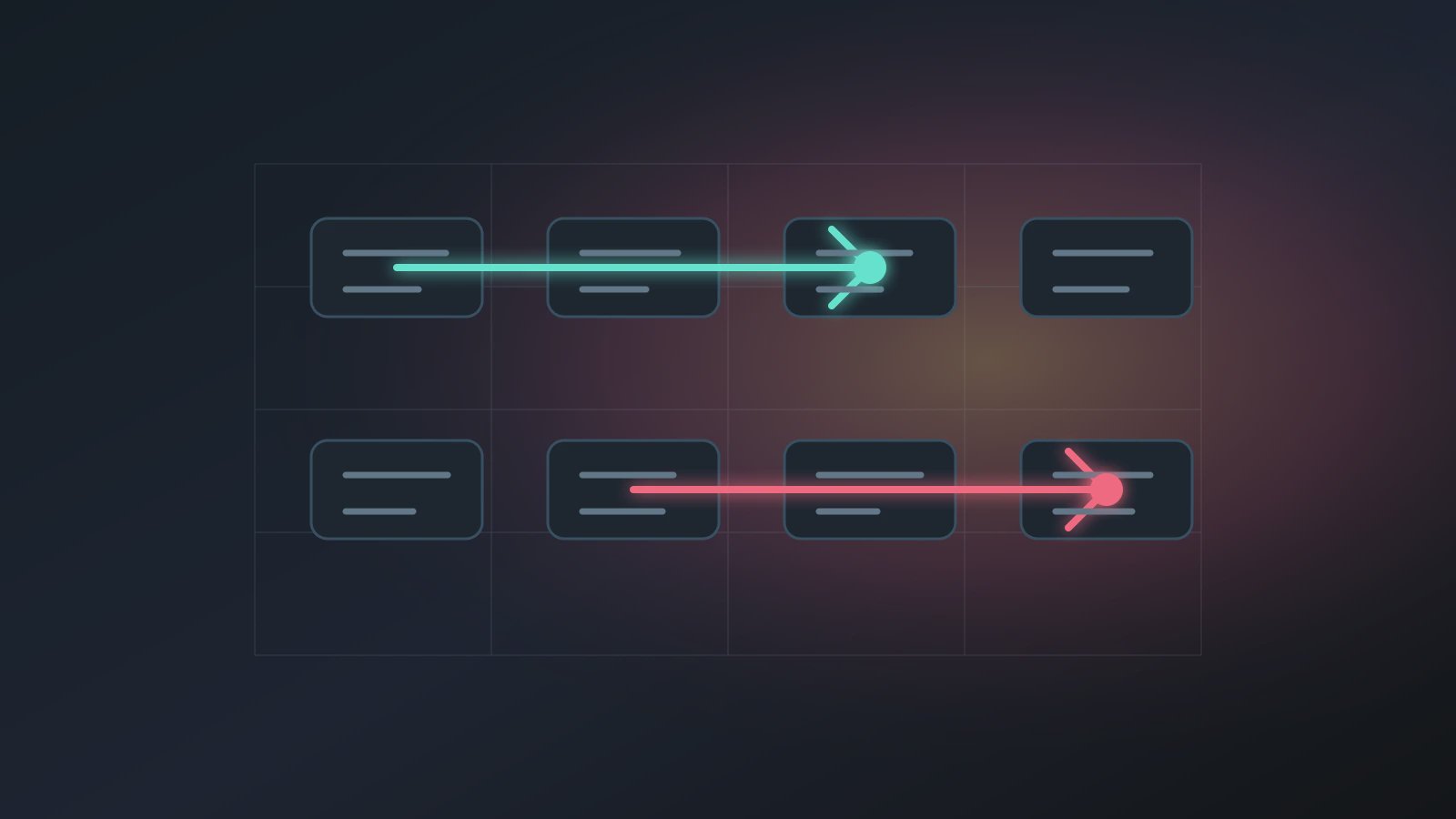
An Agent permission change record captures what changed when an Axon Agent gains or loses access to sources, tools, external sends, publishing, overwrite actions, or paid operations. The risk is rarely a single obvious switch. It is often a temporary exception that never gets removed. Weeks later, the owner discovers that the AI digital worker can do more than expected, and the team loses hours to manual, repetitive investigation.
OWASP's Top 10 for LLM Applications highlights excessive agency and unsafe actions. NIST's AI Risk Management Framework places governance and management around AI systems. Axon's operating view is that permission is not just an admin setting. It is part of the Agent workflow, and changes should be visible to the owner.
This article connects to Trust Mode preflight, Agent approval queue discipline, Agent escalation path design, and Agent owner responsibility. The practical question is small but important: when an Agent can do more, does the team know why?
Record the Difference, Not Just the Decision
"Approved" is not enough. A useful Agent permission change record shows the before and after state.
Agent: weekly customer feedback summary
change_type: temporary_external_send
before: generate internal draft only
after: allow sending to customer success group after owner approval
reason: leadership requested Monday summary delivery
owner: customer operations lead
expires: 2026-07-31
rollback: return to internal draft only
related_artifact: workspace/artifacts/weekly-feedback-summary.md
That record gives the permission change a boundary. It also makes the approval queue clearer: the owner is not approving "continue." The owner is approving a defined action inside a defined scope.
The important question is not who can toggle the setting. It is who accepts responsibility for the Agent's behavior after the change.
Do Not Collapse Permissions Into One Switch
Four permission types deserve separate handling:
- Source permission: which workspace sources or external pages the Agent can read.
- Tool permission: which tools it can call and how retries are handled.
- Output permission: whether it can draft, overwrite, publish, or send externally.
- Recovery permission: whether it can rerun, roll back, or resume after failure.
One Agent may need broad reading access but no external-send permission. Another may create stable drafts but require approval before overwriting accepted artifacts. A single "advanced permission" switch hides those differences.
Temporary Permission Needs an Exit
Temporary permission is the easiest permission to forget. The rule can stay short:
Step 1: state why the permission is temporary.
Step 2: define the allowed scope and the actions still forbidden.
Step 3: set an expiry date or an event that removes the permission.
Step 4: at expiry, decide whether to roll back, extend, or make the permission permanent.
Without Step 4, temporary permission becomes permission that nobody remembered to close.
Permission Records Help Later Reviews
When an Agent behaves unexpectedly, the owner should not have to search through admin settings and old messages. A permission record shows whether a new source, tool, output channel, or recovery behavior was introduced. It also helps separate real Agent drift from intentional scope change.
This is especially useful for recurring Agents. A weekly Agent can run correctly for months, then change behavior because a permission was expanded for one urgent request. If that change is visible, review is fast. If it is hidden, trust drops.
The record also protects the builder. Without a visible change note, every later surprise can look like an implementation mistake. With the note, the team can see that the Agent was deliberately allowed to read a new source, send to a new group, or resume after a failure. That makes the next review calmer and more factual.
It also helps with cleanup. If every temporary permission has an expiry and rollback note, the owner can review access without reopening the original debate. The record says what changed, why it changed, and what should happen when the exception is no longer needed.
FAQ
Q1: Does every small setting change need a record?
No. Record changes that affect sources, tools, external sends, publishing, overwrites, paid actions, or recovery behavior.
Q2: Who should approve permission changes?
Usually the business owner. Builders can implement configuration, but they should not own external-send or publishing risk by default.
Q3: How does this relate to Trust Mode?
Trust Mode keeps high-risk actions inside confirmation boundaries. A permission change record explains why that boundary changed.
Q4: Should reduced permissions be recorded?
Yes. Reduced permissions can affect Schedule, downstream Workflows, and recovery behavior.
Q5: Where should the record live?
Keep it near the Agent's workspace artifacts, owner note, or run instructions, not only in admin settings.
Next Step
When you start using Axon for important Agents, write an Agent permission change record for every meaningful access change: before, after, reason, owner, expiry, and rollback. Learn more by checking recurring Agents for temporary permissions that should have already expired.