How Research, PDF, and Email Become a Reviewable AI Workforce Workflow
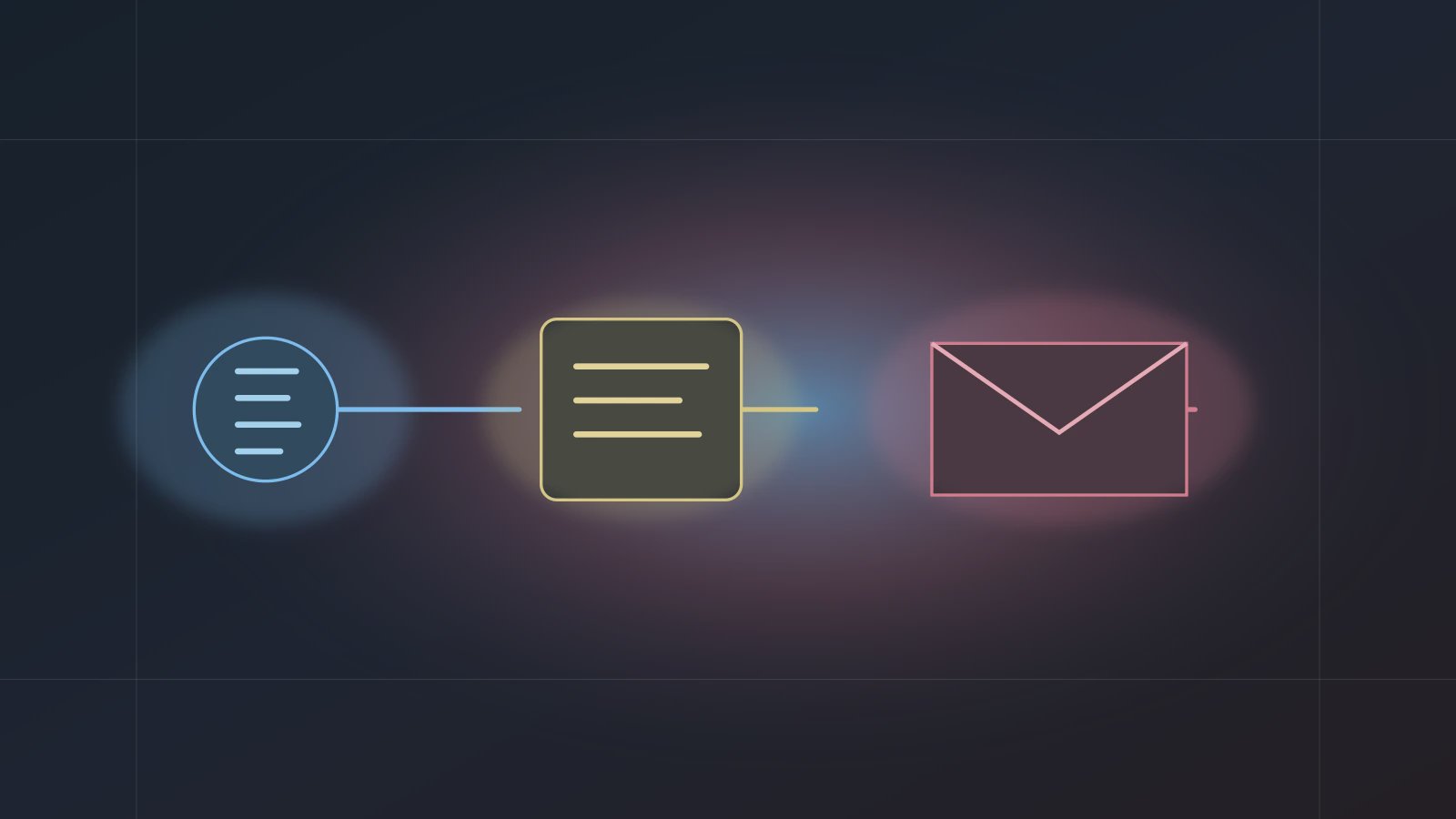
Research PDF Email is a practical three-step workflow for an AI workforce: generate structured Markdown with a research capability, turn that Markdown into a previewable PDF, and send the PDF by email only after confirmation. This pattern addresses the repetitive, manual, time-consuming, and error-prone work many office teams handle every week: researching a topic, organizing a report, exporting an attachment, drafting an email, and checking the recipient again.
The completed Axon beginner tutorial uses this chain because it is simple enough to learn and complete enough to explain the product model. The user sees content generation, document creation, and external delivery with a confirmation boundary. That is a better introduction to an AI digital worker than a one-time chat response.
This chain sits on top of the System Skills foundation, and it depends on AI Build for assembling the first Agent. Understanding those two layers first makes the Research, PDF, and Email handoff easier to review.
A good first workflow should be short, reviewable, file-producing, and careful before any external action.
Why This Three-Step Chain Works as a Template
Research PDF Email can be generalized to many office workflows:
- Market research reports.
- Industry trend briefs.
- Meeting preparation packets.
- Customer-facing background notes based on approved sources.
- Internal learning material distribution.
These tasks share a pattern. The source information is public or authorized. The output should be structured. The final delivery should be reviewed before it leaves the workspace. The Public Research Report Delivery Agent in the tutorial is just one example.
Step 1: Research Produces Reliable Intermediate Content
In Axon, std-internet-research.deep-research-flash is used for explicit deep research requests. It is not a casual search replacement. It generates a Markdown research report from a topic. The tutorial uses a public topic so the first lesson does not depend on private files, confidential documents, or sensitive credentials.
The research step should be reviewed against four questions:
- Does it stay on the topic?
- Does it produce structured sections instead of scattered notes?
- Does it avoid invented sources?
- Does it avoid presenting roadmap ideas as current product capabilities?
If the first step fails, the PDF and email steps only make the weak result easier to distribute. That is why the manual run starts by checking the research output.
Step 2: PDF Turns Content into a Business Artifact
std-office-pdf.generate accepts Markdown and a filename, then produces a PDF file card. The file card can be opened in the built-in preview and used as an email attachment. This step moves the workflow from chat text to a business artifact.
A typical configuration is:
Input: Markdown from the previous Research step
Filename: ai-office-automation-report
Template: research_report or default
Output: A previewable PDF file card
This step is useful for reports, briefs, minutes, guides, and packets. When the Markdown heading hierarchy is clear, the PDF output is easier to review.
Step 3: Email Delivers, But Does Not Skip Review
std-internet-email.send_email is a confirm action. The beginner tutorial requires the user to see an email confirmation card during the manual run. The user checks the recipient, subject, body summary, and attachment before approving the send.
This step determines whether the workflow can be trusted in real office use. Sending email is not just another output. It reaches someone outside the current run. The confirmation card gives the user a final stop before a mistake is sent.
How to Configure the Chain as an Agent
Step 1: Define Source Data Fields
Keep the first Agent's inputs simple:
research_topic: the research topic
report_filename: the PDF filename
email_to: the recipient email
email_subject: the email subject
output_language: the output language
Clear Source Data fields make the execution form usable. Do not add too many optional fields in the first version, or the user will not know where an error came from.
Step 2: Set the Step Handoff
The three-step relationship should be:
- The user provides a topic; Research outputs Markdown.
- PDF uses the Research Markdown as its input.
- Email uses the PDF file as an attachment while using the recipient and subject from the Source Data fields.
This is the heart of Agent orchestration. Each step is not isolated. It passes useful output to the next step.
Step 3: Write the Execution Instruction
The instruction should include boundaries, not just goals:
Generate a public research report from research_topic.
Organize the result as Markdown and pass it to the PDF step.
Before sending email, show a confirmation card so the user can review email_to, email_subject, the body, and the attachment.
Do not read private files, delete or move data, or invent sources.
This instruction keeps the Agent aligned with the tutorial's safety model.
Expected Outputs and Review Method
Research Content
The user should see Markdown content that stays on the topic. It does not need to be a final editorial draft, but it must be organized and free from obvious overclaims.
PDF File Card
When the PDF file card appears, the second step has completed. The user should open the built-in preview and check the title, outline, and body. If the filename, language, or content is wrong, review the Source Data fields and PDF step configuration.
Email Confirmation and Receipt
The confirmation card should appear before sending. After sending, the user should verify that the inbox receives the email and the PDF attachment. Only when all three review points are present should the Research PDF Email workflow be treated as passing the manual run.
Common Mistakes
Mistake 1: Making the Research Topic Too Broad
"Research AI" is too wide to verify. A better topic is "AI office automation trends for white-collar teams." Narrow topics create more reviewable outputs.
Mistake 2: PDF Does Not Receive Markdown
If the PDF is not generated, check whether the Research output is passed to the PDF step and whether the filename is present.
Mistake 3: Email Sends Without a Confirmation Card
If email sends immediately, check whether Trust Mode was enabled too early or whether the wrong action was used. The first manual test should keep the confirmation boundary visible.
FAQ
Q1: Is Research PDF Email only for research reports?
No. It can be adapted for meeting packets, industry briefs, customer communication notes, and internal learning documents when the input is authorized and the output is reviewable.
Q2: Why export a PDF at all?
PDF turns the result into a previewable, attachable, and archivable business artifact. It is easier to review and share than chat text.
Q3: Can this chain run on a schedule?
Yes, but only after a manual run passes review. For email workflows, the recipient, subject, body, and attachment should be stable before Trust Mode and scheduling are enabled.
Next Step
To get started, complete one manual Research PDF Email run using the Axon beginner tutorial. After the research content, PDF, and email are correct, read How Trust Mode Protects Email Boundaries in an AI Workforce and Why a Scheduled Agent Must Pass Manual Review First, then reuse the pattern for daily reports, meeting preparation, or industry material distribution.