Ad Creative Variant Brief: Use Axon Agent to Review Ecommerce Ad Ideas Before Spend
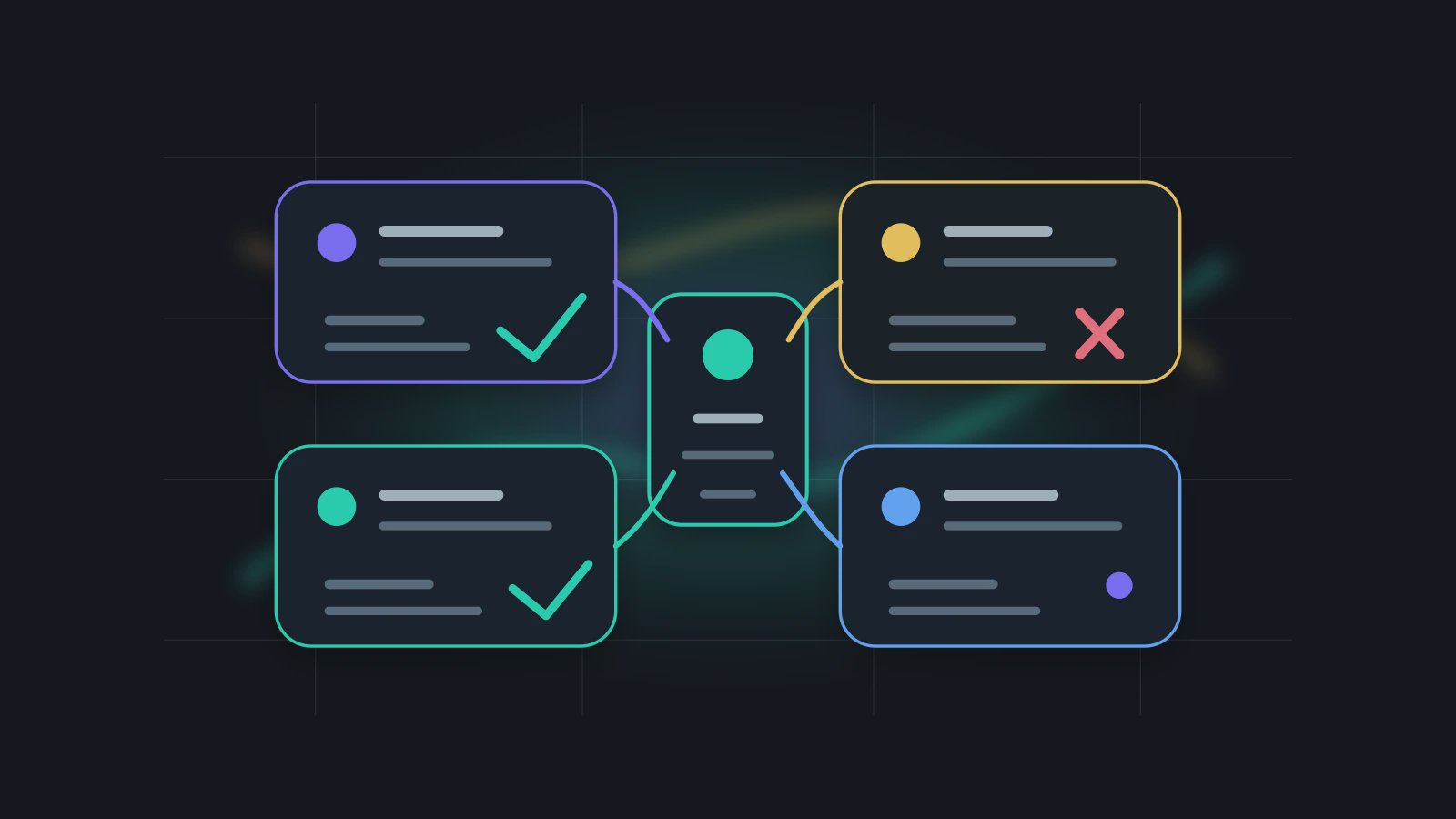
The risk in an AI ad creative workflow is not that the model cannot produce ten hooks. It usually can. The risk is that those hooks quietly introduce unsupported claims, wrong use cases, or asset directions that do not match the product. Ecommerce teams switch between product benefits, short video openings, static images, landing page copy, social captions, and campaign calendars every day. Manual rewriting is slow and repetitive. But simply asking AI for more versions creates a second problem: more copy to review, more edge cases to catch, and more chances for the message to drift.
Ad Creative Variant Brief is Axon's review object for ecommerce creative work. It does not launch campaigns, manage bids, or decide media spend. It organizes audience, hook, evidence, forbidden claims, asset prompt, channel format, reviewer, and Trust Mode action before a creative variant enters production. OpenAI Codex configuration documentation shows why task behavior depends on explicit execution settings. OpenAI Agents SDK Tools and Results documentation show why tool boundaries and result objects need structure. Axon applies the same discipline to advertising: make creative variants reviewable before they become spend pressure.
More Variants Are Not the Same as Better Creative
Many ecommerce teams generate a dozen versions from one selling point: more emotional, more urgent, more seasonal, more discount-led, more short-form, more social, more premium. The number of options increases quickly. The original source fact becomes less visible. "Helps organize charging cables" becomes "end desk chaos forever." "Durable silicone" becomes "lifetime durability." An image prompt starts showing product functions that do not exist.
An AI ad creative workflow should first control these fields:
| Field | What it means | What should not happen |
|---|---|---|
| audience | The target buyer and use case | Audience becomes too broad to review |
| hook | The opening angle | Hook becomes an exaggerated promise |
| proof | Product fact or asset evidence supporting the hook | Unsupported claim enters the ad |
| forbidden_claim | Words or ideas not allowed without evidence | Certification, performance, or outcome claims are added casually |
| asset_prompt | Image or video direction | Asset shows a function the product does not have |
| channel_format | Short video, static social, display, landing page, email | One line is forced into every channel |
| trust_action | Whether human confirmation is required | High-risk creative enters export silently |
Codex Content Variant Lane is useful for multi-channel reuse. Trust Mode Email Confirmation explains why sensitive outbound actions need confirmation. Advertising is also outbound work, even when the first artifact is only a creative packet.
A creative brief does not reduce imagination. It keeps imagination inside product facts and channel boundaries.
TOML Creative Policy
[creative_variant_brief]
source_asset = "listing-content-brief-20260619.md"
campaign_goal = "test desk organization angle"
owner = "growth_marketing_owner"
reviewer = ["ecommerce_owner", "product_owner"]

[[variant]]
audience = "home office worker"
hook = "turn charging cables into a cleaner desk line"
proof = "product photo shows three cable slots and desk-scale reference"
channel_format = "short video opening frame"
forbidden_claim = ["permanent fix", "works with every cable", "certified eco material"]
trust_action = "review_required_before_export"

[[variant]]
audience = "gift buyer"
hook = "small desk accessory for a more organized workspace"
proof = "packaging photo and product dimensions confirmed"
channel_format = "social static image"
forbidden_claim = ["premium gift guarantee", "unbreakable", "medical grade silicone"]
trust_action = "review_required_before_export"
This brief changes the team discussion. Instead of choosing the punchiest line from a long list, the team reviews which variant is acceptable, which proof supports it, which channel it fits, and what must not be said. Axon Markdown, Image, File, and Browser System Skills can read product briefs, image material, and channel requirements. A User Skill can encode brand language and forbidden claims. An Agent can generate variants and review tables. Trust Mode can control whether a creative packet is exported, sent to a designer, or passed into campaign preparation.
How the Creative Review Room Works
Ad Creative Variant Brief behaves like a small review room:
- Choose a source asset that has already passed review, such as a Listing Content Brief, competitor snapshot, or product owner note.
- Break the source into usable hooks, evidence, forbidden language, and asset directions.
- Generate a small number of channel-specific variants instead of filling every possible platform.
- Attach reviewer, trust_action, and production status to each variant.
- Record why rejected variants failed so the Agent does not repeat the same risk in the next run.
Codex Claim Boundary Ledger helps control public language. Codex Usage Guardrail Ledger helps track the operating cost of creative generation and review. Codex can serve as an external executor for candidate creation, but Axon should preserve the source asset, reviewer, and permission boundary.
The Strong Opinion: Ad AI Should Reduce Bad Variants
Advertising teams often ask AI for volume because volume feels like progress. But more variants can create more review work and more semantic drift. A useful AI ad creative workflow should reduce bad variants. If a version has no proof, do not generate it. If it does not fit the channel, do not export it. If it has no owner, do not let it enter the production packet.
That is more valuable than "give me 50 ad lines." Five variants with source, proof, channel format, reviewer, and Trust Mode boundary are usually closer to real execution than fifty polished lines that cannot be safely approved.
FAQ
Q1: Does Ad Creative Variant Brief launch ads automatically?
No. It creates and organizes creative briefs. It does not manage budget, bidding, ad accounts, or platform publishing.
Q2: Can it be sent to designers?
Yes, as a structured asset brief. Keep the source_asset, proof, and forbidden_claim fields so designers know which visuals should not be exaggerated.
Q3: Does it work for short video ads?
Yes. Opening frame, subtitle direction, shot order, and visual limits can enter the brief. The final script and asset still need human review.
Q4: Why record rejected variants?
Creative mistakes repeat. Recording rejection reasons helps the User Skill and Agent avoid the same risky patterns in later runs.
Review Creative Before It Becomes Spend
If ad creative still depends on one-off prompts and long lists of variants, start with Ad Creative Variant Brief. Use Axon to build an AI ad creative workflow where audience, hook, evidence, asset direction, and Trust Mode review are clear before design and campaign preparation.