From ComfyUI To Office Automation: Design Axon Skills Like A Node Graph
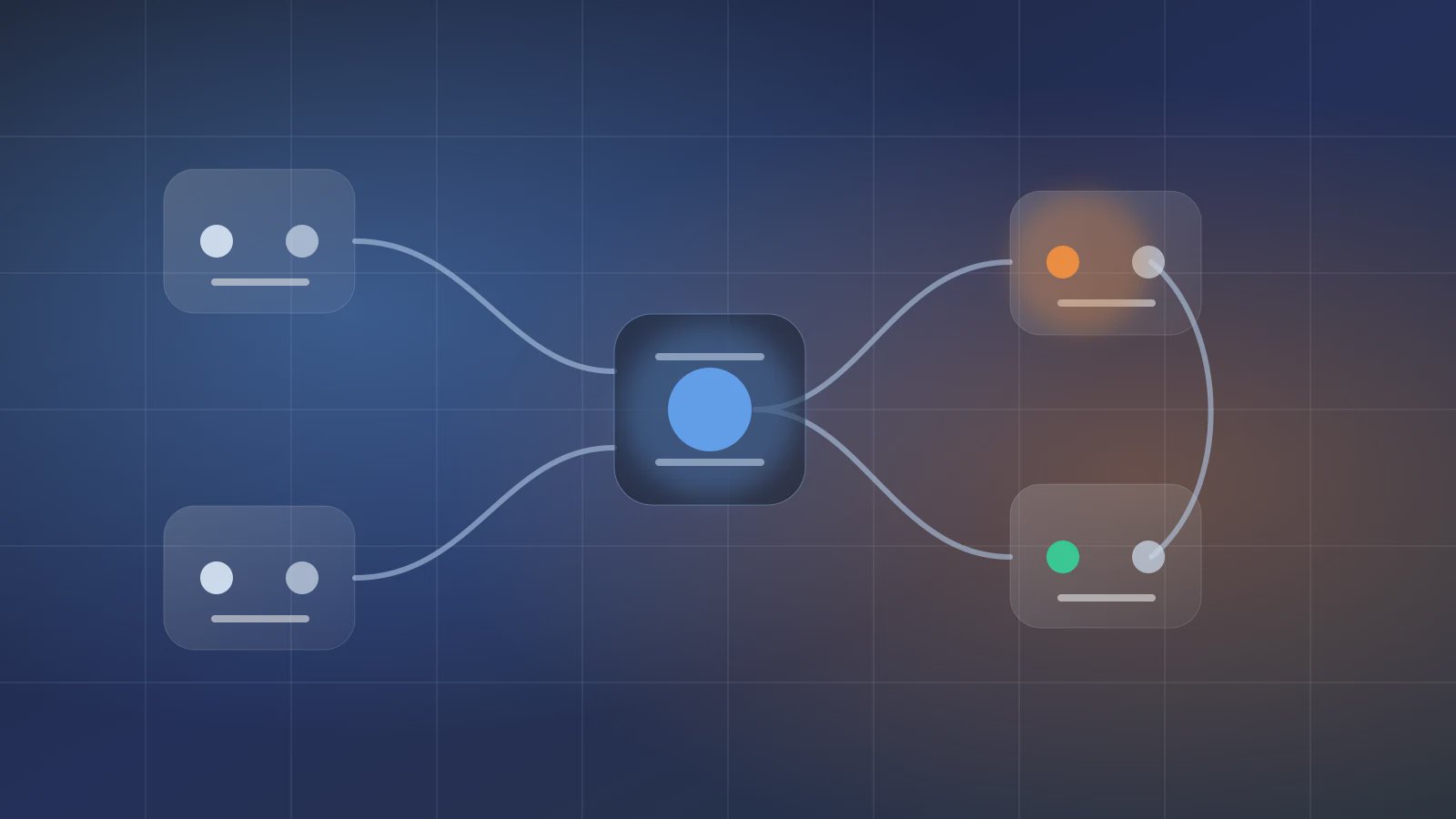
A ComfyUI office workflow is a way to borrow node graph thinking for white-collar automation: each node does one job, each edge passes a defined type of data, and the full graph becomes a reusable process. Many teams still design AI office work by placing every instruction inside one long prompt. The result is repetitive context setup, manual copying of intermediate output, inefficient debugging, and error-prone recovery. ComfyUI taught creators to express generation as nodes and links. Axon can apply the same thinking to Office, internet research, files, email, PDFs, and workspace artifacts.
The official ComfyUI Workflow documentation describes a workflow as a node network or graph. Its Nodes documentation explains the basic idea: a node takes input, does something, and produces output. Axon should not copy ComfyUI's interface literally. The lesson is deeper: complex AI execution should be composed from visible capabilities, not squeezed into an uninspectable prompt.
LLMs should combine with structured workflows. In Axon language, nodes become Skills, links become Source Data and output schemas, and the whole graph becomes an Agent.
Why Node Graph Thinking Fits Office Work
Image generation and office automation look different, but they share the same design questions: what is the input, which unit processes it, what output moves next, and which missing dependency breaks the run? A ComfyUI office workflow is useful because it turns chat-shaped work into a connected capability graph.
| ComfyUI idea | Office automation translation | Axon object | Design value |
|---|---|---|---|
| Node | One clear action | System Skill / User Skill | Stops one prompt from doing everything |
| Edge | Data connection | Source Data / output schema | Removes manual copying between steps |
| Missing node | Missing dependency | Missing Skill or permission | Makes failure easier to locate |
| Workflow file | Reusable graph | Agent configuration | Lets the process be saved, reused, and scheduled |
If the team is already managing many Skills, read the Skill catalog governance article. That article asks how to avoid tool sprawl. This article asks how capabilities should connect into a workflow.
Clear Nodes Reduce Agent Guessing
A useful node does one thing: read sources, summarize, create Markdown, render a PDF, prepare an email, or wait for confirmation. When the Agent fails, the owner can see which edge broke instead of rereading an entire prompt.
Edges Need Types
An edge should not mean "give the previous result to the next step." It should say whether the data is Markdown, JSON, PDF, a spreadsheet, a source list, or a confirmation state. Pair this with Source Data fields and Skill output schema.
A Small Office Node Graph
The JSON below is not an Axon export format. It is a design sketch that helps a team see nodes and edges before building an Agent.
{
  "workflow": "market-note-to-pdf-email",
  "nodes": [
    { "id": "collect_sources", "skill": "std-internet-research", "output": "source_brief.md" },
    { "id": "write_note", "skill": "user.market-note-writer", "input": "source_brief.md", "output": "note.md" },
    { "id": "render_pdf", "skill": "std-office-pdf", "input": "note.md", "output": "note.pdf" },
    { "id": "compose_email", "skill": "std-internet-email", "input": "note.pdf", "trustMode": "confirm" }
  ],
  "edges": [
    ["collect_sources.source_brief.md", "write_note.input"],
    ["write_note.note.md", "render_pdf.input"],
    ["render_pdf.note.pdf", "compose_email.attachment"]
  ],
  "workspace": "workspace/output/market-note/"
}
The graph says three things: each node has a boundary, each edge carries typed data, and external sending belongs behind Trust Mode. In Axon, this becomes a chain of Research, User Skill, PDF, and Email steps. For a practical office example, read the Research PDF Email Agent workflow.
Do Not Overstretch The ComfyUI Analogy
The analogy is useful, but it has limits. ComfyUI workflows often serve media generation. Axon workflows serve white-collar office work. That difference matters.
- ComfyUI nodes often process models, images, video, and media pipelines. Axon Skills process files, Office documents, email, calendars, research, and workspace artifacts.
- ComfyUI workflows emphasize visual nodes and generation parameters. Axon emphasizes business fields, permissions, confirmations, and artifact acceptance.
- ComfyUI can be extended with custom nodes; the official custom nodes overview explains that model. Axon User Skills should remain inside controlled boundaries and call System Skills rather than becoming an unconstrained code sandbox.
So the best lesson from a ComfyUI office workflow is not visual decoration. It is node-based composition, reusable links, and visible failure points.
When Not To Turn Work Into Nodes
Q1: Should an unclear business goal become a node graph?
No. Do not node-graph a task whose business goal is still unclear. Let people and the model explore it first, then extract nodes after the deliverable becomes repeatable.
Q2: Should an artifact with no accepting owner become a graph?
No. If nobody can say whether a report, table, or email draft is usable, the graph only spreads responsibility across smaller boxes.
Q3: What about unstable external dependencies?
Do not node-graph them too early. Set permissions, input fields, and recovery behavior before the dependency becomes part of the Agent graph.
Redraw One Office Process As A Graph
Take one existing office task and draw its nodes and edges: input material, processing nodes, output artifact, and confirmation action. Then build the matching Skills and Agent in Axon. When you are ready to test, download Axon and run a low-risk workflow; for deeper context, read more in the Skill catalog, Source Data, and Research PDF Email articles. Once the first graph works, apply the ComfyUI office workflow idea to the next repeatable office process.