An Email Summary Agent Can Read for You, But Should Not Send Recklessly
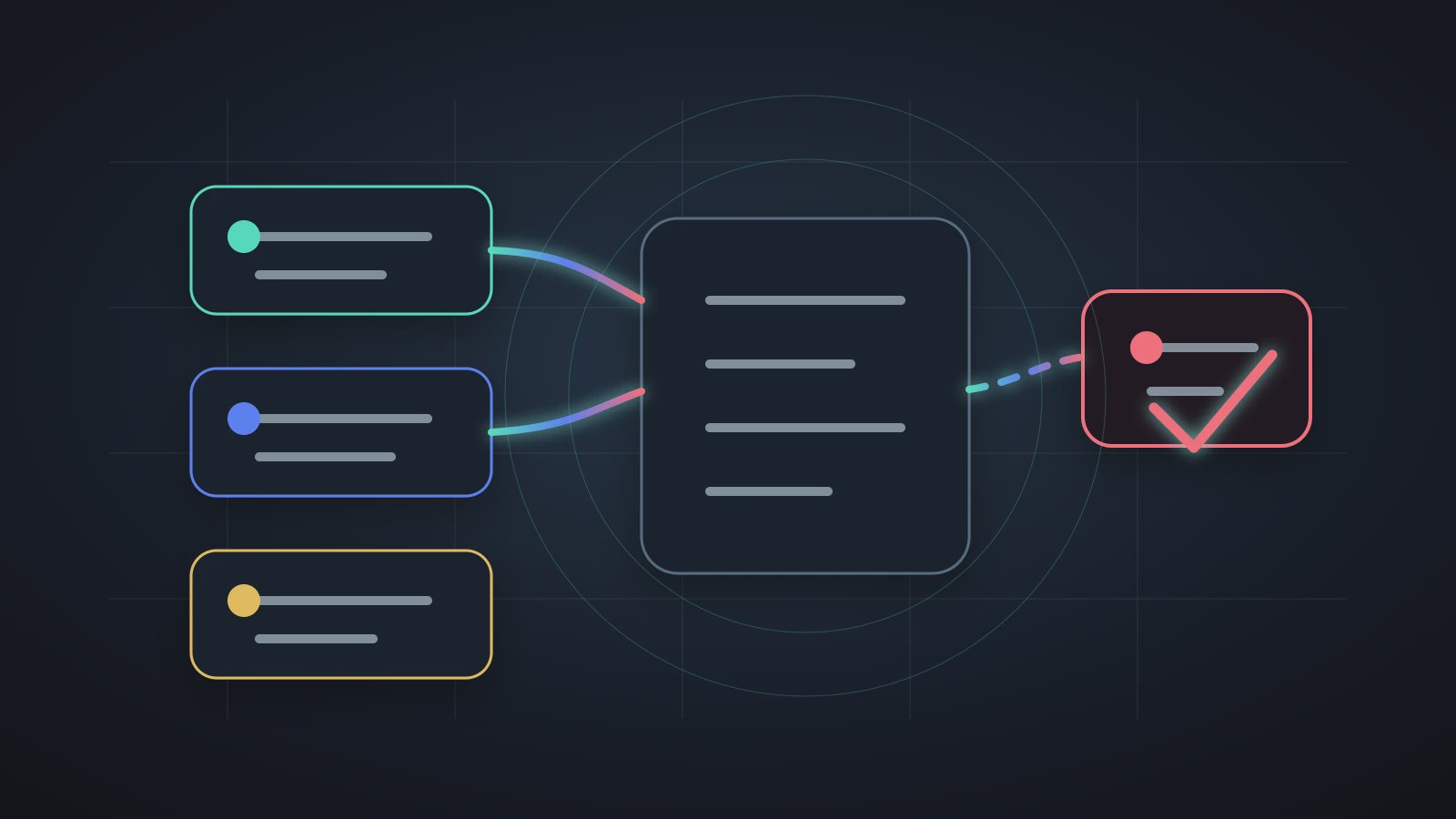
An email summary Agent is an AI digital worker that reads, classifies, summarizes, and prepares reply drafts. It should not be treated as a default auto-send button. Email is one of the most repetitive and error-prone office workflows: people manually scan similar messages every day, worry about missing requests, and still fear that an AI reply might say the wrong thing. A useful email summary Agent separates reading from sending, and low-risk organization from high-risk action.
NIST's AI Risk Management Framework emphasizes governable and manageable AI systems. The OWASP Top 10 for Large Language Model Applications also warns about excessive agency and sensitive information handling. Axon's Trust Mode belongs directly in email workflows: reading and summarizing can be more automatic; sending, deleting, commitments, and sensitive language should stop for confirmation.
Agent exception handling is the broader rule for when a system should stop and ask a person. Email is the easiest place to understand that rule because one wrong external message can cost more than one confirmation click.
The Risk Is a Blurry Boundary
Many people want AI to "handle email," but that phrase is too broad. It can mean reading, classifying, summarizing, extracting tasks, and drafting. It can also mean replying, forwarding, deleting, or moving messages. The first group is low-risk assistance. The second can affect external relationships or lose information.
The first principle of an email summary Agent is to make the inbox easier to understand before deciding which actions can be automated.
A healthy email workflow separates actions:
| Action | Good for automation? | Boundary |
|---|---|---|
| Read unread messages | Usually yes | limit account, folder, and time range |
| Summarize important items | Usually yes | keep source subject or link |
| Draft a reply | Yes | do not send by default |
| Send external email | Confirm | customer, commitment, price, sensitive content |
| Delete or move mail | Cautious | deletion should require confirmation |
This is not timid product design. It is what lets a team trust the Agent. If automatic sending is enabled on day one, people may disable the workflow on day two.
What the Agent Should Produce
An email summary Agent should not return a vague sentence like "there are many emails today." A better output turns the inbox into an action list.
Daily inbox summary
- Reply today: 3 messages
- Waiting on others: 2 messages
- Archive only: 6 messages
- Drafts prepared: 2, not sent
- Trust Mode needed: 1, customer commitment language
This output should land in a workspace or recurring record, not vanish in chat. System Skills Agent Foundation explains how email, files, Office, and other capabilities become the base of Agents. AI digital worker adoption also makes the case that early Agents should come from real repeated work.
Three Practical Settings
- Limit the read scope: one label, project folder, or the last 24 hours.
- Limit the output: summary, tasks, and drafts, not automatic sending.
- Define Trust Mode: sending, deletion, commitments, and sensitive content require confirmation.
Those settings turn the Agent from impressive to usable.
Scheduled Email Runs Need More Care
Email summary is a natural daily or workday scheduled workflow. But scheduled does not mean borderless. Scheduled runs often happen when nobody is watching. If the Agent reaches an external send or deletion step, it should stop.
With scheduled Agent review, a team can check whether summaries were used, drafts reduced manual typing, Trust Mode caught risky messages, and classification rules need adjustment.
The maturity of an email summary Agent is not how many messages it sends for you. It is how quickly it helps you decide which messages still need a person.
FAQ
Q1: Can an email summary Agent reply automatically?
It can create reply drafts. It should not send by default. External messages, customer commitments, pricing, contracts, and sensitive material should enter Trust Mode.
Q2: Should it read every email?
No. Start with a label, folder, time range, or project keyword. Clearer scope makes the output easier to review and trust.
Q3: Where should the output go?
It can land in a workspace daily summary, Markdown list, or Word document. The important part is reviewability, not staying in chat.
Q4: How do teams prevent accidental deletion?
Deletion, archiving, and batch movement should require confirmation by default. Reading and summarizing can run automatically; high-risk changes should stop.
Q5: What signals show the email workflow is working?
Look for faster inbox triage, fewer repeated manual scans, drafts that need only light edits, and Trust Mode catching risky actions.
Next Step
To learn more about Axon email workflows, start with read, summary, and draft. When you start using an email summary Agent, avoid auto-send at first. Let it produce a reviewable inbox list, then adjust Trust Mode and Schedule over time.