Prompt To Skill Migration: Turn Repeated AI Work Into A Reusable Axon Capability
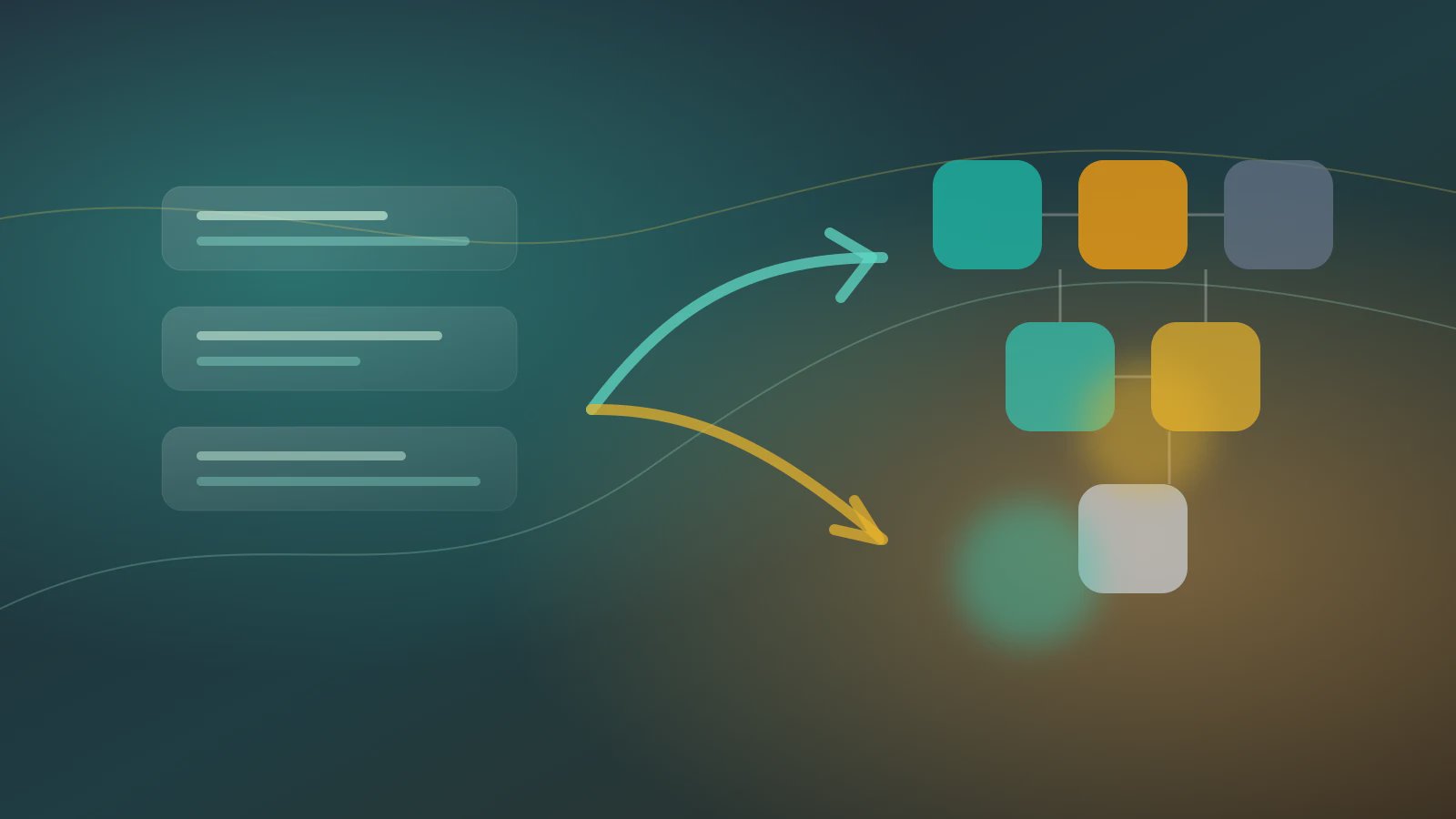
Prompt to Skill migration is useful when a team keeps copying the same prompt, manually changing fields, and still seeing errors every week. The bottleneck is rarely that the prompt is not clever enough. The real problem is that the work has become repetitive, time-consuming, manual, and error-prone, yet it still lives as a long paragraph in a chat window. A longer prompt may hide the pain for a few days, but it does not give an Agent a stable capability to call, a workspace artifact to inspect, or a Trust Mode boundary to enforce.
Axon treats this differently. System Skills provide atomic abilities for files, Office documents, web research, images, and other workspace actions. User Skills package a team's own business procedure. Agents orchestrate those Skills into AI digital workers. Trust Mode decides which actions can run automatically and which actions must be confirmed. If you need the foundation first, read the article on System Skills as the Agent foundation, then compare it with the beginner tutorial for building and autorunning an Agent. This article focuses on the earlier move: deciding when a repeated prompt should become a reusable Skill.
A prompt worth migrating is usually not the most polished prompt. It is the one with stable inputs, stable actions, stable outputs, and predictable failure reasons.
Identify Whether The Prompt Is A Capability
Some prompts are exploratory. "Give me twenty headline ideas" can stay as a prompt. A capability is different: the same role uses it repeatedly, the input shape is familiar, and the output is expected to land in a business process. Prompt to Skill migration should begin only when there is enough repeatability to justify an interface.
| Migration signal | What it looks like at work | What happens if it remains a prompt |
|---|---|---|
| Stable input | People always fill customer name, file path, date range, language, or output format | Fields stay buried inside prose, so Agents cannot reuse them reliably |
| Stable action | The work always reads sources, extracts findings, writes a file, and waits for review | Each operator explains the same flow again, and the operating standard drifts |
| Stable risk | The work often pauses before sending, publishing, overwriting, or calling an external system | Trust Mode cannot be designed in advance, so reviewers judge risk by instinct |
The broader AI tooling ecosystem makes this distinction more important. Anthropic's Model Context Protocol describes a standard way to connect assistants to data sources and tools. OpenAI's Agents SDK explains tools as central execution surfaces for Agents. More tools create more leverage, but they also create a new operating question: which repeated actions deserve a maintained capability instead of another copied prompt?
Rewrite The Prompt As A Skill Brief
During prompt to Skill migration, do not paste the old prompt into a Skill and call the job done. A long prompt usually mixes goal, context, input, style preference, risk warning, and output examples. The migration work is to separate those concerns through four practical cuts.
- Name the input fields the Skill expects, such as files, URLs, recipients, date ranges, language, or output type.
- List the System Skills it may call, and define where the artifact should be saved.
- Separate high-risk actions, so Trust Mode can require confirmation before sending, publishing, deleting, or overwriting.
- Define failure returns, such as missing fields, source-read failure, weak evidence, or a judgment that requires a human owner.
A weekly sales note prompt might become this Skill brief:
skillBrief:
  name: "weekly-sales-note-draft"
  businessGoal: "Turn customer updates into an internal weekly note draft"
  sourceData:
    customerUpdates: "workspace/input/customer-updates.xlsx"
    dateRange: "2026-05-18/2026-05-24"
    audience: "sales-leads"
  allowedActions:
    - "read_spreadsheet"
    - "summarize_notes"
    - "write_markdown_file"
  workspaceOutput:
    file: "workspace/output/weekly-sales-note.md"
    evidence: "workspace/output/source-map.json"
  trustBoundary:
    auto: ["read_spreadsheet", "write_markdown_file"]
    confirm: ["send_email", "publish_to_channel"]
  failureModes:
    missingField: "return required field list"
    weakEvidence: "mark paragraph as needs_review"
That is the practical heart of prompt to Skill migration: replace "please organize this for me" with a capability that an Agent can call. Once the Skill is used by recurring work, changes can follow Skill change control instead of disappearing into chat history.
Keep Business Language, Remove Performative Instructions
Many prompts contain lines like "you are a world-class expert" or "never make any mistake." They may comfort the writer, but they are weak operational controls. A reusable Skill should convert that intent into acceptance criteria: cite sources, mark missing fields, keep draft artifacts in the workspace, and require confirmation before external impact.
Turn Examples Into Test Fixtures
Do not discard the examples from the old prompt. Move them into sample input, sample output, and acceptance rules. This gives the team a way to test whether the Skill still behaves correctly after an edit, model change, or dependency update.
Connect The Migrated Skill To An Agent
After a Skill brief is drafted, do not let it control the entire workflow immediately. Start with a low-risk Agent that asks the Skill to produce a draft file only. It should not send an email, overwrite a source document, or publish to an external system on the first run. The distinction in System Skills versus general Agents is useful here: a Skill is a capability; an Agent is an orchestration layer. Mixing those responsibilities is how teams create hidden automation risk.
The first pilot should record:
- Whether all input fields were present.
- Which capabilities the Skill called.
- Whether the output landed in the workspace.
- Which parts were marked
needs_review. - Whether Trust Mode stopped high-risk actions at the right moment.
If the pilot behaves consistently, add it to a larger Agent workflow. If it fails, do not patch the prompt with more adjectives. Update the input fields, action permissions, output contract, or review boundary.
FAQ
Q1: Should every prompt become a Skill?
No. One-off exploration, creative brainstorming, and casual translation can remain prompts. Prompt to Skill migration is worth doing when the work is repeated, field-driven, reviewable, and connected to team delivery.
Q2: Does migration remove prompt writing from the process?
No. It changes the writing task. Instead of hiding every instruction in a long paragraph, the team maintains inputs, allowed actions, acceptance criteria, and Trust Mode rules. The prompt becomes part of a capability interface.
Q3: Will this slow the team down?
For low-frequency work, it may be unnecessary. For weekly reports, research notes, customer follow-ups, document drafts, and content operations, the migration usually saves time by reducing manual copying, repeated explanation, and preventable rework.
Start With One Repeated Prompt
Pick one prompt that has already been used at least three times by the same team. Put a Skill brief next to the old prompt, then convert the work into fields, allowed actions, workspace outputs, and confirmation boundaries. Run it in Axon as a low-risk draft Skill before giving it to a larger Agent. Download the app when you are ready to test, read the System Skills and Agents articles for context, and start treating prompt to Skill migration as capability building rather than prompt polishing.