What AI Workflow Interfaces Should Show Non-Technical Teams
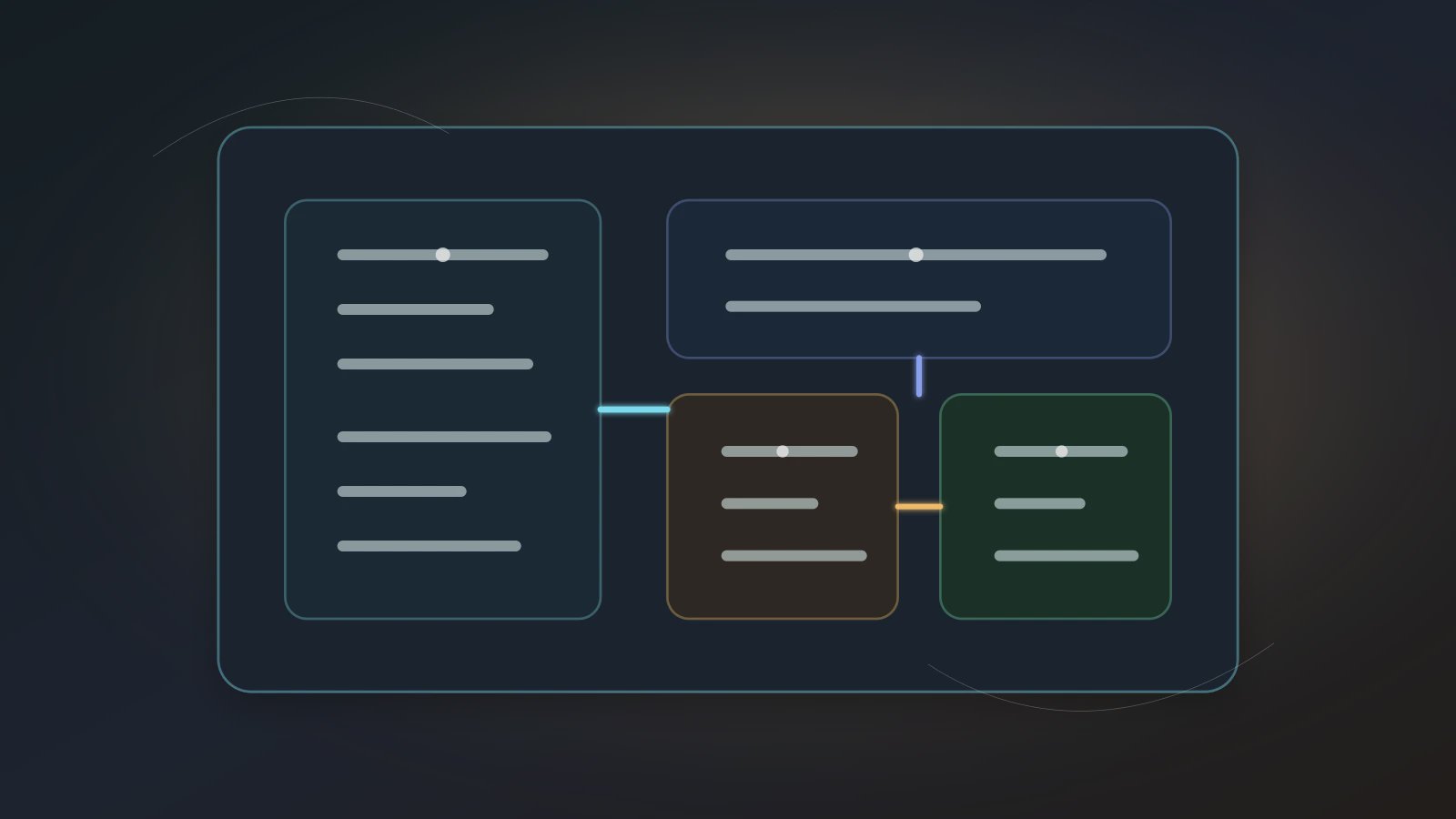
An AI Workflow interface is the control surface that lets non-technical teams use AI employees without learning a workflow engine or trusting a black box. It should not dump users into a complex node graph, and it should not reduce everything to a chat box. It should show the trigger, Source Data, Skill chain, artifact, risk boundary, and run history. Many office workers face repetitive, manual, error-prone work every week, but they need control before they will trust automation.
ComfyUI's workflow documentation shows why node graphs are useful for complex generation pipelines. Anthropic's Building Effective Agents distinguishes predefined workflows from more open-ended agents. For Axon, the product task is translation: finance, legal, trade, and operations users do not need to drag raw nodes. They need the same procedural control expressed as business fields.
Non-technical teams do not need to see every edge. They do need to know where an AI Workflow starts, what capabilities it calls, what it delivers, and where confirmation is required.
The interface should answer six questions
A useful AI Workflow interface does not expose every technical detail. It helps the user make a judgment before starting and after reviewing a run:
| Question | Interface field | User judgment |
|---|---|---|
| When does it run? | Trigger / Schedule | Manual, daily, weekly, or workdays |
| What does it use? | Source Data | Whether the input boundary is complete |
| How does it execute? | Skill chain | Whether the steps make business sense |
| What does it deliver? | Artifact | Whether there is a reviewable output |
| Where is the risk? | Trust Mode | Whether send, delete, publish, or overwrite needs confirmation |
| How did it run? | Run history | Success, failure, exception, and rerun record |
These six fields matter more than making the product feel more like chat. A chat box is good for expressing intent. A control surface must help the user understand responsibility.
A workflow card for business users
workflowCard:
  name: "weekly supplier quote review"
  trigger: "every Monday 09:00"
  sourceData: "quote sheet, customer email, margin rule"
  skillChain: "extract terms -> compare margin -> draft options"
  artifact: "quote-review.md and risk-table.xlsx"
  riskBoundary: "confirm before sending any email"
This card is not engineering configuration. It is a business explanation. It tells the user what the digital worker owns, what it does not own, and when it must stop for a person.
Three interface anti-patterns
Anti-pattern one: chat only.
The user can express intent, but cannot see the workflow. Once a task becomes scheduled, chat history cannot manage inputs, artifacts, and permission boundaries.
Anti-pattern two: raw node canvas only.
Node graphs are useful for expert workflow design. Many office users need a business summary first: material, steps, artifact, and confirmation point. Axon can preserve the underlying structure without forcing every user to start from the canvas.
Anti-pattern three: success or failed only.
A run status that only says success or failed still leaves the owner uncertain. A better interface shows artifact, exception type, confirmation record, and rerun option.
For Axon's current Agent surface, read AI Agent control plane. For a first hands-on path, use the Build Agent Autorun tutorial.
Why this matches the workflow-first route
Axon's workflow-first route is not only a backend design choice. It should shape the interface. A non-technical AI Workflow interface should reveal the controlled execution path instead of hiding all intelligence inside model output.
Expose the workflow in three layers:
- Business layer: task name, trigger, deliverable, and owner.
- Control layer: Source Data, Skill chain, Trust Mode, and run history.
- Diagnostic layer: exception class, input snapshot, artifact version, and rerun record.
Most users spend their time in the business and control layers. When something goes wrong, they can move into the diagnostic layer. This preserves the control of Workflows without making the product feel like a developer-only system.
The default view should be small and precise
Non-technical users do not need every configuration field by default. A better order is task, source, artifact, and risk first; then expand Skill chain, input snapshot, and exception records when debugging is needed. The closer the interface is to business judgment, the more likely an AI Workflow interface is to be used repeatedly.
Interface Questions
Q1: Should non-technical teams never see node graphs?
No. A node graph can be an advanced view or diagnostic view. The default interface should start with business judgment.
Q2: Why not create and run Agents only through natural language?
Natural language is useful for starting the build. During operation, the workflow needs stable fields. Users should see sources, steps, artifacts, and permissions without searching through chat history.
Q3: Which interface details build the most trust?
Run history, artifact location, and Trust Mode records. Users trust automation when they know what happened, where the files are, and which risky actions were stopped.
Make one AI employee understandable first
For the first non-technical rollout in Axon, choose one low-risk Agent and turn it into a workflow card: trigger, source, Skill chain, artifact, risk, and history. Then connect it with Workflow-First AI Execution and scheduled AI workforce governance so non-technical teams can understand, govern, and use AI employees. Use those workflow-first and scheduling patterns to explore the default view, then start expanding control fields only when users ask for more detail.