Intelligent Workflows: Why An AI Digital Worker Is A Chain Of Skills
Intelligent workflows are the practical way to turn an AI digital worker from a conversational model into a repeatable business system. Many teams feel the same pain: prompts become longer, but the work remains repetitive; Agents receive ambitious names, but users still patch gaps manually; models can explain a task, yet files, emails, spreadsheets, approvals, and workspace outputs remain error-prone. Axon was designed around LLM-powered execution workflows because enterprise automation needs stability, control, and delivery evidence more than another impressive one-off answer.
The shortest product equation is:
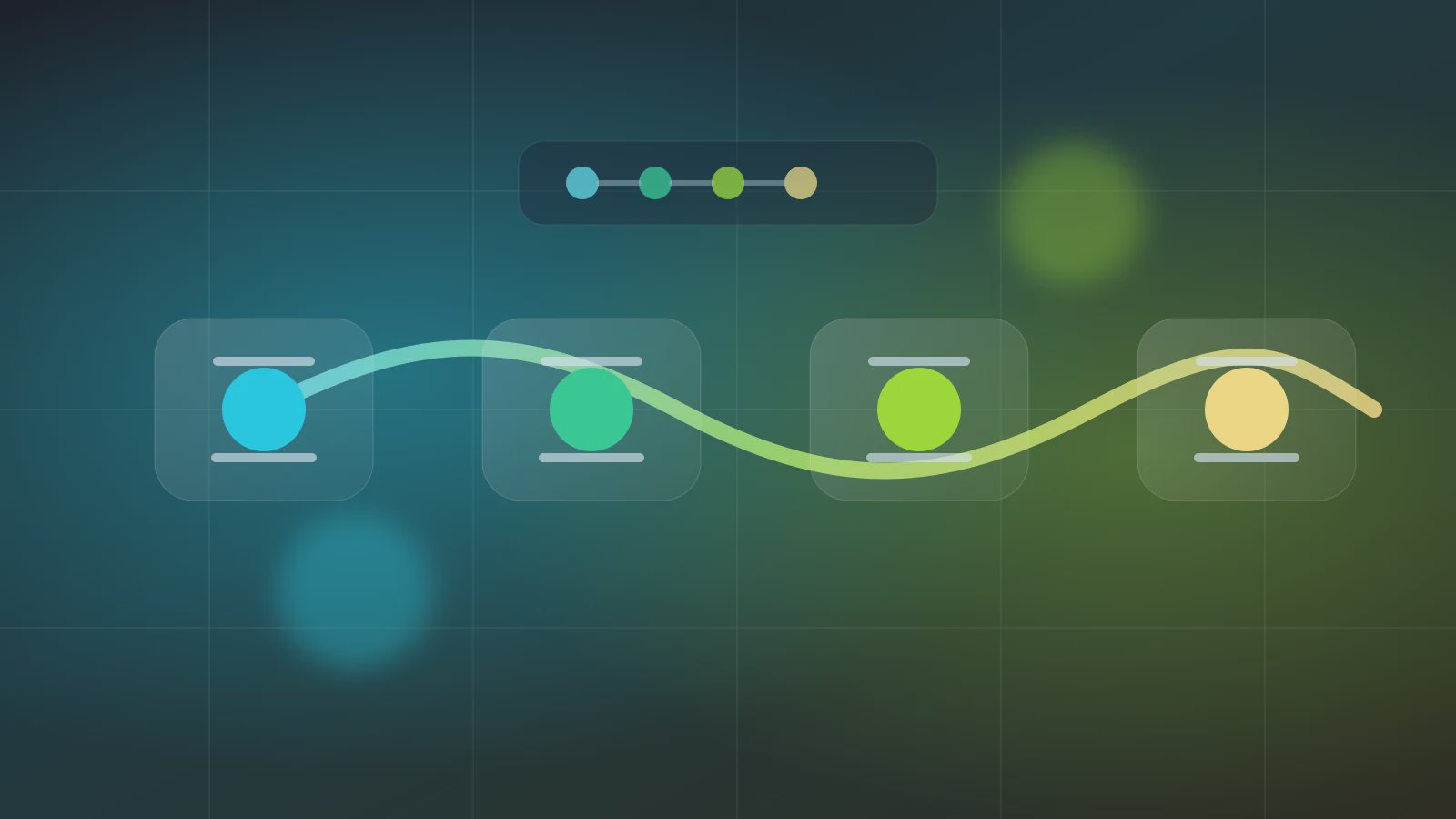
AI digital worker = intelligent workflows = chain of Skills
This is not a slogan. It maps to Axon's product architecture. System Skills provide atomic capabilities for Office, files, internet, media, and workspace actions. User Skills package a team's own business procedure. Agents arrange those Skills into fixed pipelines. Trust Mode decides which actions can run automatically and which actions must be confirmed. Schedule lets a verified process run daily, weekly, on workdays, or at controlled intervals. If you need the foundation, read System Skills as the Agent foundation, then use the getting-started tutorial to see a Research -> PDF -> Email chain become an executable Agent.
A reliable AI digital worker is not a black-box autonomous Agent. It is a workflow where model judgment, rule boundaries, and tool execution can be reviewed together.
More Autonomy Is Not The First Milestone
Anthropic's Building Effective Agents draws a useful architectural distinction: workflows orchestrate systems through predefined code paths and tools, while agents let the model dynamically direct the process and tool use. That distinction matters for office automation. Many business tasks should not begin with the largest possible autonomy. They need stable inputs, fixed steps, reviewable outputs, and risk controls.
Intelligent workflows give teams a better starting point. Deterministic parts of the job can be fixed. Model-driven parts can remain flexible. In a research-to-report-to-email process, source collection, PDF generation, file storage, and send confirmation can all be explicit steps. The model can summarize and synthesize, but it should not silently skip confirmation or invent a new output path.
First Make The Agent A Process
If an Agent does not yet know its input fields, Skill calls, artifact paths, and recovery owner, it is too early to talk about full automation. Autonomy should be earned through stable runs, not granted because the model sounds capable.
Workflow Does Not Mean Low Intelligence
Some teams treat workflow as old automation and LLMs as the only intelligence. The better view is that workflow provides boundaries, while the LLM performs reading, synthesis, generation, and judgment inside those boundaries. Without a workflow, model intelligence often remains hard to operationalize.
How A Chain Of Skills Becomes An AI Worker
An Axon workflow has four layers:
| Layer | Axon object | What it does | What to inspect when it fails |
|---|---|---|---|
| Capability | System Skills / User Skills | Executes concrete actions | Missing Skill, wrong permission, failing action |
| Data | Source Data / output schema | Passes inputs and artifacts | Missing field, unstable structure, weak evidence |
| Orchestration | Agent steps | Fixes the execution order | Failed step, wrong handoff, rerun point |
| Governance | Trust Mode / Schedule / workspace | Controls automation boundary | Over-permission, missing artifact, unclear log |
These layers let intelligent workflows avoid the trap of one giant prompt. A repeated prompt can become a Skill; see prompt to Skill migration. A Skill output can become a contract for the next Agent step; see Skill output schema.
A Minimal Workflow Contract
Before asking an Agent to do everything, write the workflow contract. It should describe the chain, the workspace outputs, and the first automation boundary.
workflowContract:
  name: "research-to-report-dispatch"
  goal: "Create a PDF report from a research topic and prepare an email draft"
  skillChain:
    - id: "std-internet-research"
      action: "deep-research-flash"
      output: "research_markdown"
    - id: "std-office-pdf"
      action: "generate"
      input: "research_markdown"
      output: "report_pdf"
    - id: "std-internet-email"
      action: "send_email"
      input: "report_pdf"
      trustMode: "confirm"
  workspace:
    evidence: "workspace/output/source-map.json"
    artifact: "workspace/output/report.pdf"
  schedule:
    firstRun: "manual"
    afterVerified: "daily"
The contract makes one thing clear: an AI digital worker is an executable chain, not an abstract identity. Each Skill has input and output. Each artifact lands in the workspace. Each high-risk action has a Trust Mode boundary. Once the chain behaves reliably, the team can expand topics, sources, and scheduling.
Use Three Questions Before Automation
Do not automate just because the model can attempt the task. Ask three questions first.
- Can the input be fielded? Topic, file, recipient, language, output format, and deadline should be expressible as Source Data.
- Can the artifact be accepted? Report, summary, spreadsheet, or email draft needs a path, owner, and quality standard.
- Can the risk be tiered? Reading, generating, saving, sending, deleting, and overwriting should map to Auto, Confirm, or Auth.
If these questions have clear answers, intelligent workflows have a foundation. If not, shrink the workflow. Do not hide an unclear process behind broad Agent autonomy.
FAQ
Q1: How are intelligent workflows different from traditional RPA?
Traditional RPA is strongest with fixed interface actions and deterministic rules. Intelligent workflows add LLM reading, summarization, generation, and judgment while preserving Skills, schemas, Trust Mode, and workspace evidence.
Q2: Should Axon Agents become as free as possible?
No. Axon is strongest when a task is a fixed, reviewable, repeatable Skill pipeline. Freedom should expand after stable execution, not before the boundary is known.
Q3: When should a team enable scheduling?
After manual verification. Inputs, artifacts, risk handling, and human confirmation should work before daily, weekly, or workday schedules are enabled.
Begin With One Chain
If you want an AI digital worker, do not start with a universal Agent. Pick one repeated office chain. Write the Skill chain, Source Data, output path, and Trust Mode boundary, then download Axon and run a manual verification. After it works, read more about Skill output, beginner Agents, and scheduling, and turn intelligent workflows into the team's operating pattern.