Workflow Telemetry Spans: Trace Every Skill Call in an AI Employee
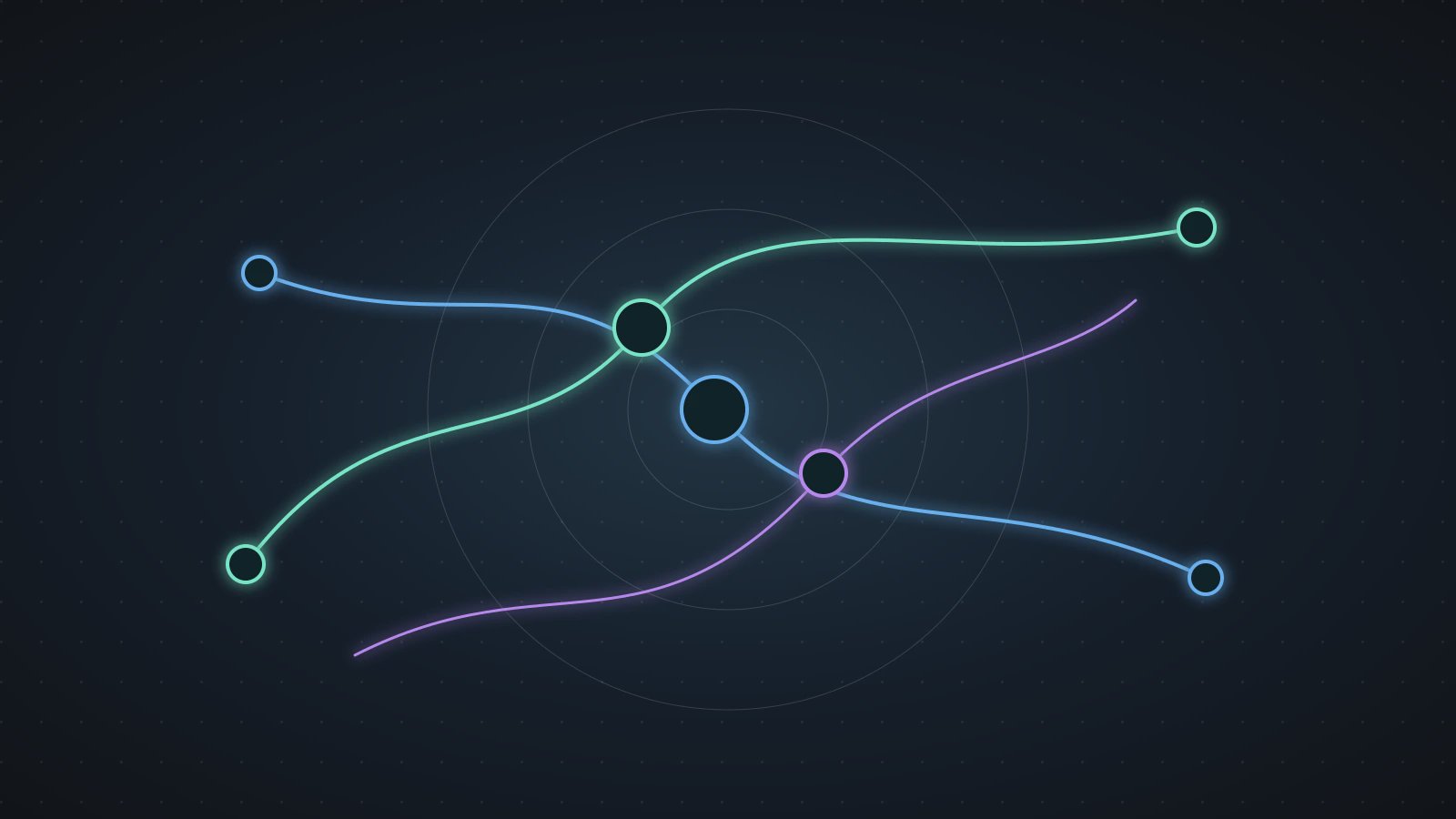
Workflow Telemetry Spans are observability records for AI employee workflows. Every Skill call should have a span, every important decision should have a log, and acceptance, exception, and retry behavior should become metrics. Teams run repetitive, manual, time-consuming Agent tasks every day. When something fails, they often fall back to reading chat history: which step was slow, which Source Data was missing, which Skill returned low confidence, and which approval blocked the workflow? Without Workflow Telemetry Spans, debugging AI workflows becomes error-prone manual investigation.
OpenTelemetry documentation describes observability signals such as traces, metrics, and logs as part of a vendor-neutral framework. Anthropic's Building Effective Agents also emphasizes checkpoints, feedback, and clear agentic system design. Axon does not need to show office users engineering vocabulary, but it should preserve the evidence behind each Skill chain.
If a workflow can only say "failed," it is not a dependable AI employee. It should say which Skill, which input, which artifact, and which confirmation point caused the problem.
Trace, log, and metric do different jobs
Do not push every run detail into one log blob. AI workflow observability can divide the signals cleanly:
| Signal | What it records | Business value |
|---|---|---|
| trace | The Skill call chain for one workflow run | Shows latency and failure location |
| span | One Skill call's input, output, duration, and status | Locates the exact step |
| log | Key decision, approval, or exception explanation | Explains why it happened |
| metric | Acceptance, retry, exception, and wait-time trends | Shows whether automation is worth expanding |
This is close to Replayable AI Workflows. Replayability proves a run can be inspected and compared. Telemetry spans make the running and completed workflow easier to diagnose.
A Skill span record
{
  "traceId": "run_20260531_customer_renewal_014",
  "spanId": "skill_extract_usage_02",
  "workflow": "customer renewal risk brief",
  "skill": "extract usage change",
  "inputRef": "sourceData.usage_export",
  "artifactRef": "work/usage-risk-table.csv",
  "status": "ok",
  "durationMs": 18420,
  "confidence": "medium",
  "ownerNote": "usage export lacks two customer rows"
}
The user does not need to see every field. But support, operations, and product teams should be able to answer what material the step used, what it produced, and whether the output was trustworthy.
The right span granularity is one business-relevant Skill call, not every internal token movement.
Observability should not become noise
Office workflows do not need an endless stream of technical events. Axon is better served by a small set of business-facing telemetry:
- the trace for the current workflow run;
- span status and artifactRef for every Skill;
- Trust Mode approval and rejection records;
- exception reason and handoff owner;
- accepted artifact and owner;
- retryBudget consumption and queue wait.
Those signals connect naturally to the Workflow State Machine. The state machine says where the workflow is. Telemetry explains why it got there.
Where to debug first
Start with the failed span.
If failures cluster around one Skill, the issue may be output schema, input format, or permission, not general model instability.
Then inspect Source Data references.
If inputRef is stale, incomplete, or from the wrong workspace, return to Source Data and file boundaries instead of rewriting the prompt.
Finally compare acceptance metrics.
A workflow that runs successfully but produces rejected artifacts should not be scaled. Feed acceptance rate into Workflow Evals and Source-to-Decision Lineage.
The order matters. Teams often jump straight to prompt editing because it feels fast, but telemetry may show that the prompt never saw the right source, the connector returned stale data, or the approval step waited too long. A span-based view keeps the diagnosis close to the workflow evidence instead of turning every failure into a generic model-quality complaint.
A compact debugging pass
Step 1: use traceId to find the full Skill chain. Step 2: inspect only failed, low-confidence, and waiting-confirmation spans. Step 3: match each span's inputRef and artifactRef to workspace evidence.
That pass is faster than rereading an entire conversation. It also turns debugging into a product capability rather than a private operator habit.
Telemetry Questions
Q1: Are Workflow Telemetry Spans too technical for business users?
The storage can be technical. The interface should show wait reason, failed step, artifact link, and handoff owner in business language.
Q2: How is telemetry different from a run journal?
A run journal is the record of the run. Telemetry is finer-grained: it traces Skill calls, durations, status, and related artifacts.
Q3: Should every span be stored forever?
No. High-risk, high-value, and evaluation workflows need richer retention. Low-risk draft tasks can keep summaries.
Add trace to one Skill chain
Choose one stable Axon workflow and record spanId, inputRef, artifactRef, status, durationMs, and ownerNote for every Skill call. Explore replayable evidence, the state machine, and Evals, then make Workflow Telemetry Spans the standard debugging layer for AI employees.