Office Workflow Template Library: Stop Rebuilding Every AI Employee from Scratch
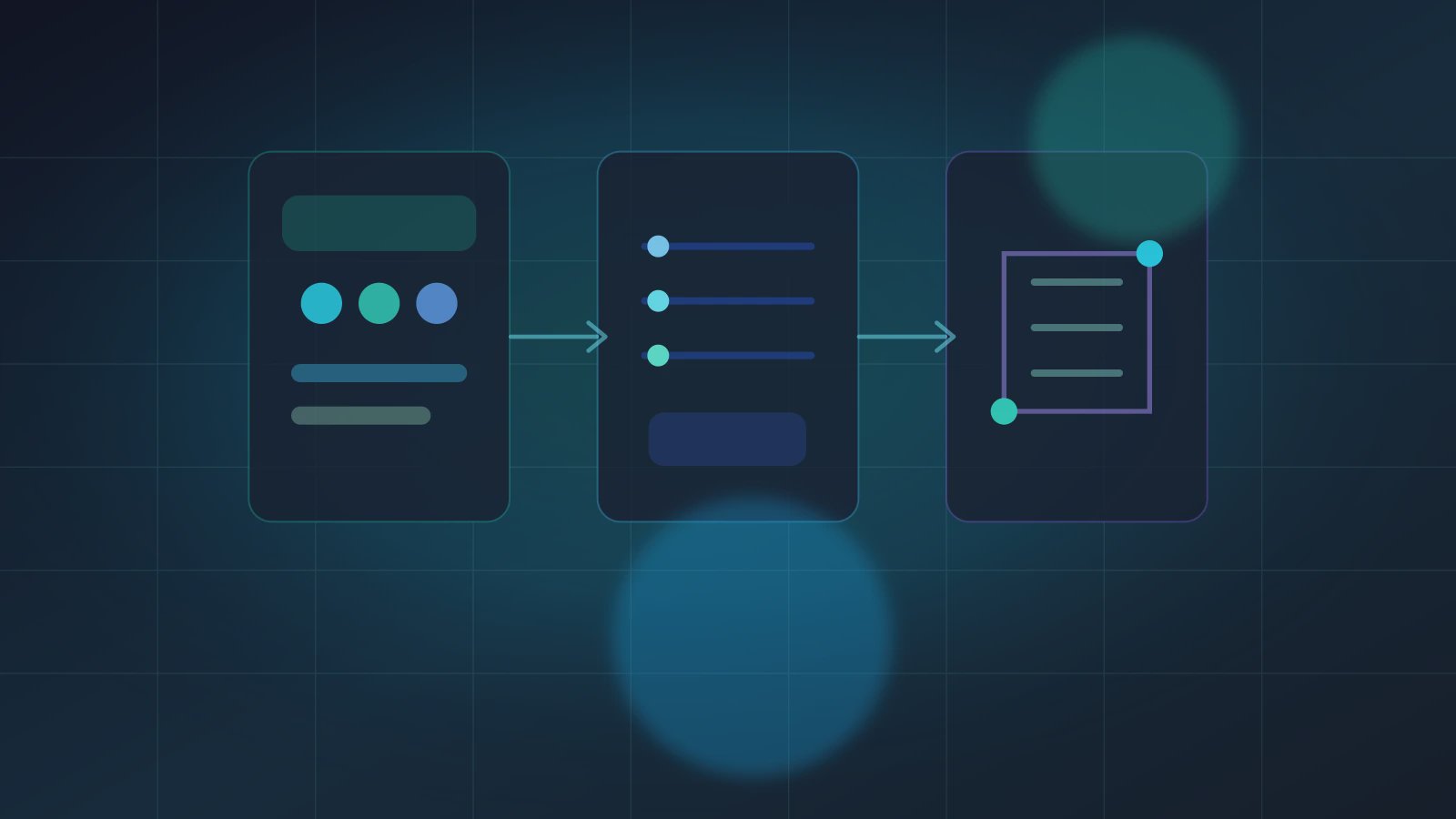
An Office Workflow Template Library is a reusable catalog of workflows for AI employees. It packages the trigger, Source Data, Skill chain, artifact, permission boundary, and acceptance notes so a team does not rebuild every Agent from a blank page. Many companies begin with a shortage of automation. After a few months, they face a different pain: repetitive, manual, error-prone reconstruction of the same research, quote, contract, monthly-close, listing, and reporting workflows. Without an Office Workflow Template Library, each team quietly invents its own version of the same process, then wonders why Agents behave differently. Axon's workflow-first route becomes more valuable when those workflows can be reused.
ComfyUI's workflow templates show a useful pattern: workflows can ship with example files, thumbnails, and a template browser. ComfyUI's workflow documentation also shows that workflows can be saved as compact JSON files. Office automation does not need to copy the node canvas, but it should borrow the idea of workflows that are discoverable, copyable, and editable.
A template is not a shortcut around thinking. It is a way to hand a proven working method to the next digital employee.
The template library is about reuse, not decoration
An office AI workflow template should answer five practical questions:
- What task is this template for, and where should it not be used?
- Which Source Data fields are required, and should the run stop when they are missing?
- Which Skill chain runs, and which steps can be replaced?
- What artifact is delivered, and who accepts it?
- Which actions must enter Trust Mode?
This is different from a Workflow Registry. The Registry governs the capability supply chain. The Office Workflow Template Library governs reusable ways of working. One Skill may appear in many templates; one template may orchestrate several Skills. That separation keeps the template useful for business teams without turning it into another technical inventory.
A template card
workflowTemplate:
  name: "weekly competitor briefing"
  useWhen:
    - "team needs a recurring market brief"
    - "sources are stable enough to review weekly"
  requiredSourceData:
    - "competitor URL list"
    - "product category"
    - "previous week's brief"
  skillChain:
    - "collect public changes"
    - "summarize movement"
    - "compare with previous artifact"
    - "draft weekly briefing"
  artifact:
    type: "briefing.md"
    acceptance: "contains source links, movement table, owner notes"
  trustMode:
    confirmBefore: ["email to team", "publish externally"]
This is not engineering decoration. It helps a business user decide whether a template fits the job. The clearer the template, the less the Agent must guess at runtime.
Three template families to build first
High-frequency and low-risk.
Weekly summaries, internal daily reports, source collection, and competitor snapshots are good first templates. They repeat often and rarely touch external systems.
Stable input, time-consuming output.
Contract summaries, invoice checks, listing improvements, and research briefs usually have clear source boundaries but require careful formatting.
Collaborative but owner-defined.
Quote review, customer email drafts, and monthly-close notes involve several people, but the owner and artifact can be defined.
If the workflow depends on portable procedural knowledge, connect the template with Agent Skills workflow portability. Skills make capabilities portable. Templates make the working pattern reusable.
Three template anti-patterns
| Anti-pattern | Symptom | Repair |
|---|---|---|
| Prompt-only template | A copied prompt with no source or artifact | Add Source Data, Skill chain, and artifact |
| Universal template | One template claims to fit every domain | Split it into smaller task templates |
| No version path | Old Agents keep using changed logic | Manage versions with change control |
This is why Skill change control belongs near the template library. Templates are not static. They need versions, examples, and deprecation paths.
A minimum rollout
- Pick the three most repeated tasks in one team.
- Write one template card for each task before building UI.
- Run one real Agent from each template and inspect Source Data and artifact.
- Put the successful template in the library with owner, version, and boundary.
That sequence is more useful than launching a broad template marketplace before any workflow has been proven.
Template Questions
Q1: Do templates limit Agent intelligence?
No. Templates constrain the workflow boundary. The model can still summarize, compare, draft, and adapt inside that boundary.
Q2: How is a template different from a User Skill?
A User Skill is a reusable capability packet. A workflow template is an assembled working method that may call several Skills.
Q3: Does the template library need a visual canvas?
Not at first. Business teams need a template card and previewable artifact. Advanced users can open a deeper workflow view later.
Make one reusable template real
For the first Axon template, pick one frequent task and keep the scope narrow. Write the trigger, sources, Skill chain, artifact, and confirmation point into a template card, then run it once with the Build Agent Autorun tutorial. Start small, explore the template boundary, and only then add it to an Office Workflow Template Library for the team.